



GrabPay Deposit Tutorial: Step-by-Step for Pirate777 Slots
A GrabPay deposit on Pirate777 takes about 30 seconds end-to-end if your wallet is funded and your app is up to date. This walkthrough covers the exact path, plus the six things that most often break it.
This is a how-to, not a comparison. If you’re still deciding whether GrabPay is the right method for you, our GrabPay decision guide covers that. Here we assume you’ve picked it and want the steps.
Table of Contents
Before you start: 3 things to check
Skip this and you’ll trip over one of the “6 failures” section below. Two minutes here saves a support ticket.
- GrabPay wallet balance ≥ your intended deposit. Our minimum is RM10 but you can choose any amount above that. If your wallet is below your intended deposit, the QR will scan and the GrabPay app will reject the payment with an “insufficient funds” error.
- Grab app updated. Older versions occasionally fail to render the QR data correctly. The Play Store / App Store will tell you if there’s a pending update; do it before you start.
- Pirate777 account ready to receive. If your account is brand new, complete the basic profile setup first — some new accounts have an interim deposit cap until verification clears, and that cap can be lower than your intended deposit. Captain’s Support via Telegram or Live Chat can clarify your account-specific limits in under a minute.
The walkthrough: from “Deposit” tap to game-ready balance
The whole flow runs on your phone. You don’t need a separate device for the QR — we generate it on your phone and you scan it with the same phone using Grab’s in-app camera.
Step 1 — Open the deposit page
- Sign in to Pirate777 in your mobile browser.
- Tap the green Deposit button (it’s persistent in the bottom-bar nav).
- Choose GrabPay from the e-wallet list.
Step 2 — Enter your amount
- Type the deposit amount (digits only). Minimum RM10.
- If you’re claiming the First Deposit Bonus, RM30 is the threshold — below that, the bonus doesn’t trigger.
- Confirm the summary panel: deposit amount, RM0 platform fee, bonus eligibility, final wallet credit.
Step 3 — Trigger the QR
- Tap Proceed with GrabPay.
- A QR appears on your screen. It is unique to this transaction and time-limited — don’t bookmark it, screenshot it, or scan it twice.
Step 4 — Scan with the Grab app
- Open the Grab app on the same phone.
- Tap Scan (the QR icon, usually on the home screen).
- Point at the QR you generated. The app will read it, decode the recipient (Pirate777) and amount, and present the payment confirmation screen.
Step 5 — Authorise and check
- Confirm recipient and amount in the Grab app.
- Authorise with your GrabPay PIN or biometric.
- Switch back to your Pirate777 browser tab. The wallet balance updates within seconds. If it doesn’t update within 2 minutes, your QR may have timed out before authorisation — refresh and start over.
The 6 deposit failures we see most
From our Captain’s Support team via 24/7 Telegram and Live Chat, here are the failure patterns ranked by frequency. Diagnose by symptom and apply the matching fix.
1. “Insufficient balance” in Grab app
Cause: GrabPay wallet has less than your intended deposit (most common cause, by a margin).
Fix: Top up GrabPay first via your linked bank or card, wait for the balance to reflect (usually 30 seconds), then restart the Pirate777 deposit flow from Step 1. Don’t try to scan the original QR again — it’s already expired by the time you’ve topped up.
2. QR scanned but balance doesn’t appear
Cause: Almost always a timing edge case where the Grab app’s confirmation arrived but our payment-callback hadn’t returned yet.
Fix: Wait a full 2 minutes. Check your Grab app’s transaction history — if it shows the payment as “completed”, ping Telegram support with a screenshot of the Grab confirmation and your Pirate777 username. Don’t double-pay.
3. QR doesn’t scan
Cause: Phone screen brightness too low, autofocus failing, or QR has already timed out.
Fix: Crank brightness to max, hold the phone 20–30 cm from the screen, give the camera a second to focus. If it still won’t scan, refresh the Pirate777 deposit page to generate a fresh QR — the old one expires after a few minutes for security.
4. “Recipient mismatch” or wrong amount in Grab app
Cause: You scanned an old QR (perhaps a screenshot from an earlier session).
Fix: Cancel the Grab app payment, refresh Pirate777, generate a new QR, scan that one.
5. Authentication loops in Grab app
Cause: Biometric or PIN is failing in Grab’s own session, often after a Grab app update.
Fix: Force-close the Grab app, reopen, do a non-Pirate777 small action (e.g. check your Grab transaction history) to trigger re-authentication. Then restart the deposit flow.
6. “Daily limit exceeded” in Grab app
Cause: Grab itself imposes daily transfer caps independent of Pirate777’s limits. The cap depends on your KYC tier within Grab.
Fix: Either wait until tomorrow or use a different deposit method (DuitNow QR or FPX) for this session. Upgrading your Grab KYC tier is a separate process inside the Grab app.
What actually counts toward the First Deposit Bonus
The First Deposit Bonus is RM30→RM30 + 30 XP, withdrawal floor RM180, withdrawal cap RM300 on this tier. Common reads we have to correct:
- It’s first-deposit, not first-GrabPay-deposit. If you’ve previously deposited via DuitNow or any other method, you’ve used your one-time bonus.
- Mega888 wagering doesn’t count toward this promo’s rolling. The exclusion is on the games, not the deposit method. Same applies to 918Kiss.
- RM30 minimum on the deposit value, not the GrabPay top-up. If you top up your GrabPay wallet by RM50 and then deposit RM10 to Pirate777, your deposit value is RM10 (under threshold).
After your first deposit: where the funds work
Pirate777 runs a single-wallet system across our 13 browser-based providers. After a GrabPay deposit credits, you can play any of those providers’ games — Pragmatic Play, Playtech, PG Soft, Jili, V-Power, Apollo, Lucky365, Fa Chai, and others — without manually transferring between sub-balances.
Mega888 and 918Kiss are APK-only providers and sit outside the single-wallet system. If you fund your account via GrabPay and want to play those games, the wallet credit is fine but the game-launch flow is separate (you’ll see distinct lobby entries). Their wagering is excluded from rolling on most promos.
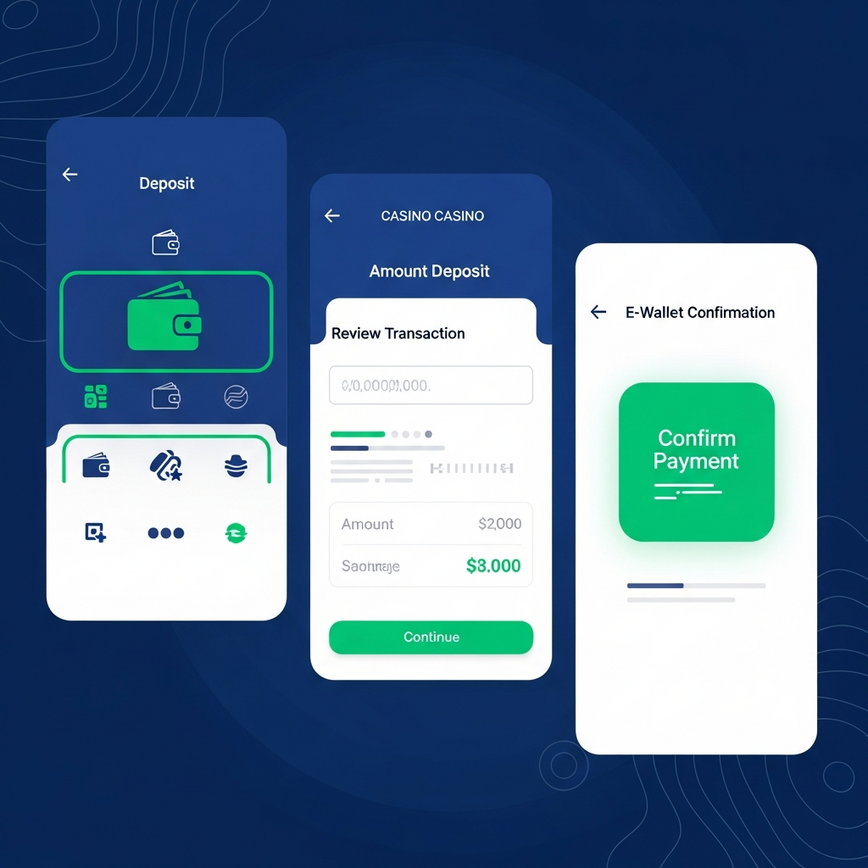
If you change your mind about the method later, you don’t need to migrate anything — you can switch to DuitNow or FPX on your next deposit and the funds still arrive in the same wallet. The deposit method is per-transaction, not per-account.
Important: Pirate777 is for users 18 and above. If a session is going harder than your budget allows, you can set a deposit limit in your account’s responsible-gaming controls before you top up. Support resources: GamCare, BeGambleAware.
— Pirate777 Team. We verify our observations against each studio’s own published game data and, where a studio holds one, its licence record on the regulator’s public register.
Frequently Asked Questions
Seconds, in the normal case. The QR confirmation triggers our payment callback, the wallet updates, and you’re playable. If it’s not in within 2 minutes, the issue is usually that the QR timed out before you authorised — refresh and try again rather than waiting longer.
Minimum is RM10 (Pirate777-side). Maximum from our side scales with your account standing, but Grab itself imposes daily caps based on your KYC tier within their app. Practical answer: most established players can deposit a few thousand ringgit per day; if you’re hitting a cap, the cap is almost always Grab’s, not ours, and you can verify in your Grab app.
None from Pirate777. We don’t charge deposit fees on any method. If you see a fee on the Grab side, it’s from Grab itself for the wallet operation (e.g. topping up GrabPay from a linked card may have its own fee). Check the Grab transaction detail to confirm.
Wait the full 2 minutes — the callback occasionally lags. If it’s still missing, contact our Telegram support with a screenshot of the Grab confirmation and your Pirate777 username. We can manually reconcile from the transaction reference. Don’t deposit again in the meantime.
Yes — the QR generates the same way on a laptop. You scan it with your phone’s Grab app. The mobile-only restriction is on the authorisation side (you need the Grab app, which is mobile-only), not the deposit page itself.
The QR you can always regenerate. The bonus eligibility (e.g. First Deposit Bonus) sticks to your account, not the failed transaction — once you successfully deposit RM30+ on your first deposit, the bonus triggers regardless of how many earlier attempts didn’t land.